Turn your child’s drawings into animated stories.
Snap a photo of any drawing, tell the story in your own words, and DrawAlive turns it into a narrated movie in minutes – in 22 languages.
What is DrawAlive?
DrawAlive is a kids’ storytelling app for iPhone, iPad and Android. It turns a photo of a child’s drawing – or a toy, a worksheet or a favorite book page – into a short animated movie, and narrates the story your child tells, in their own language.
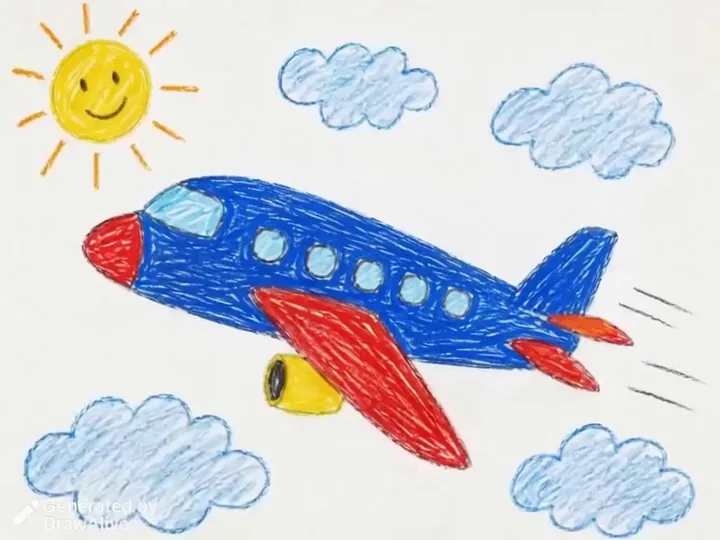
Same drawing. Now it moves.
Drag the slider: on the left is what a child gave the app, on the right is the story DrawAlive made from it.
 The drawingThe story
Pick an example
All three were made in the DrawAlive app – no editing.
See it in 42 seconds.
Every clip in this film is a real story made in DrawAlive – with the real narration.
Three steps. About a minute of your time.
-
1
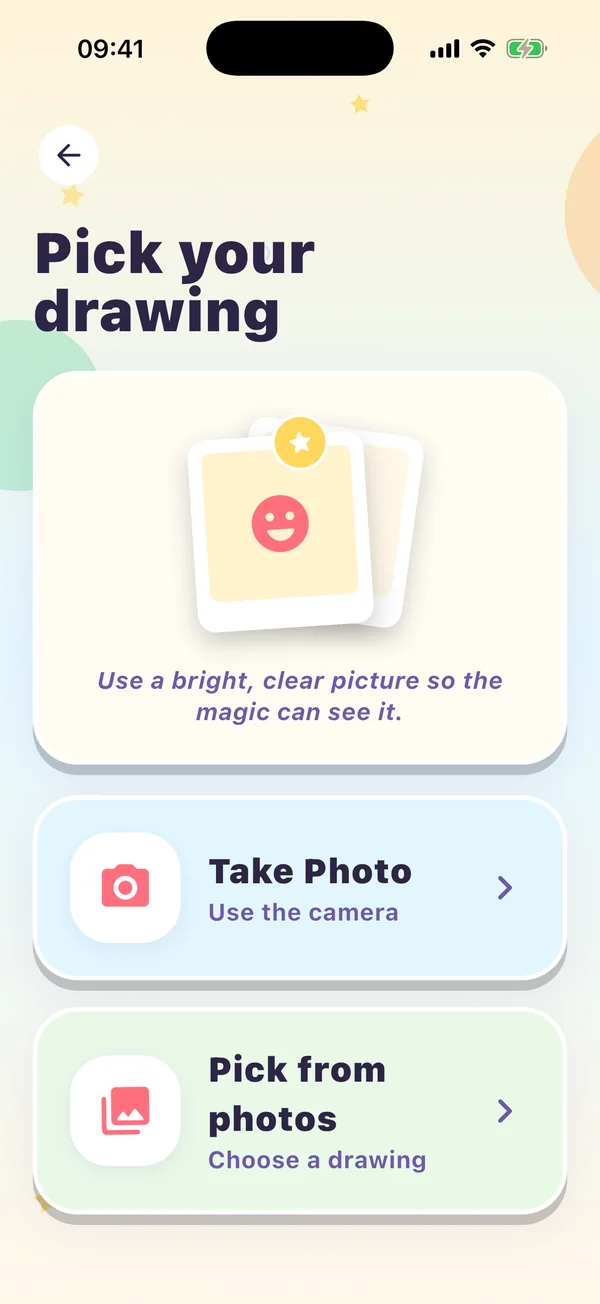
Snap a drawing
Take a photo or pick one from your gallery. Drawings, toys, worksheets and book pages all work.
-
2
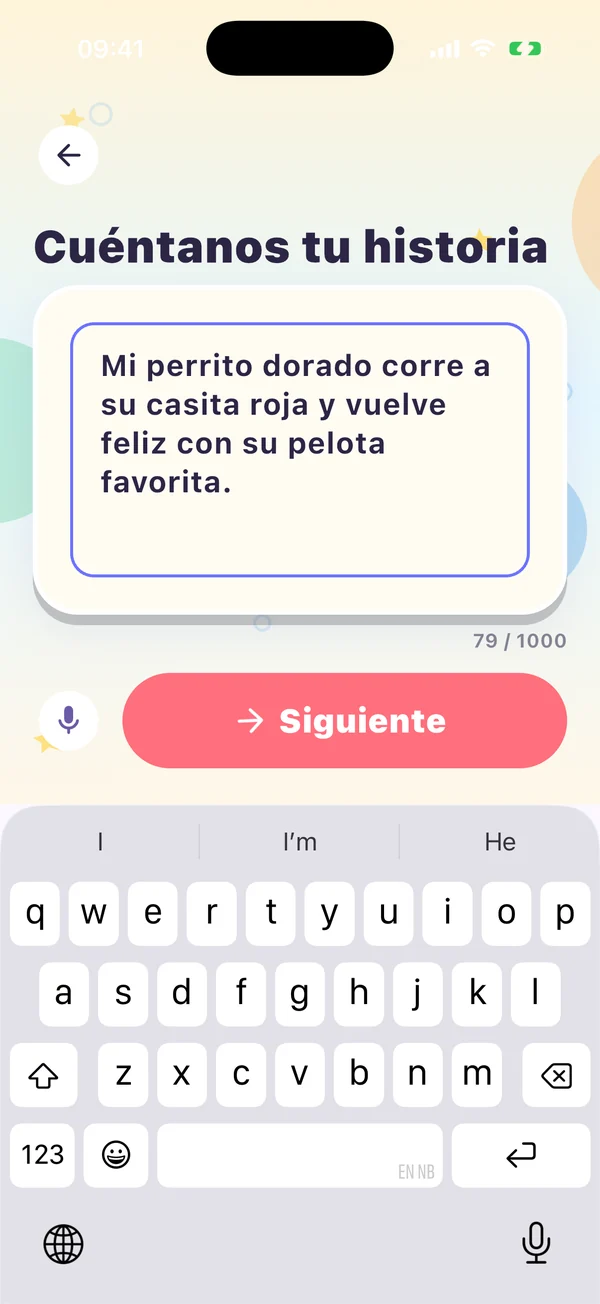
Tell the story
Type what happens – or tap the mic and just say it. Any of 22 languages. Then pick 5, 10 or 15 seconds.
-
3
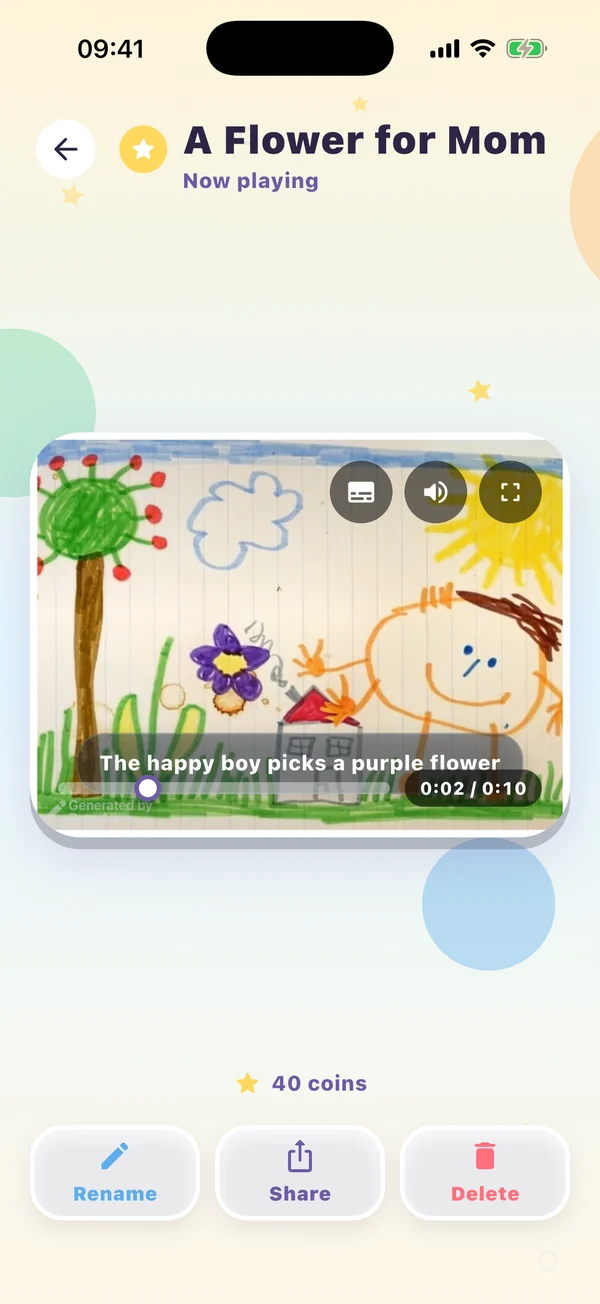
Watch it come alive
DrawAlive animates the picture and narrates the story, with optional subtitles. Replay it, save it offline, share it.
Real stories, real narration.
Tap the speaker to hear each one. Titles and narration come straight from the app, in the language each story was told in.
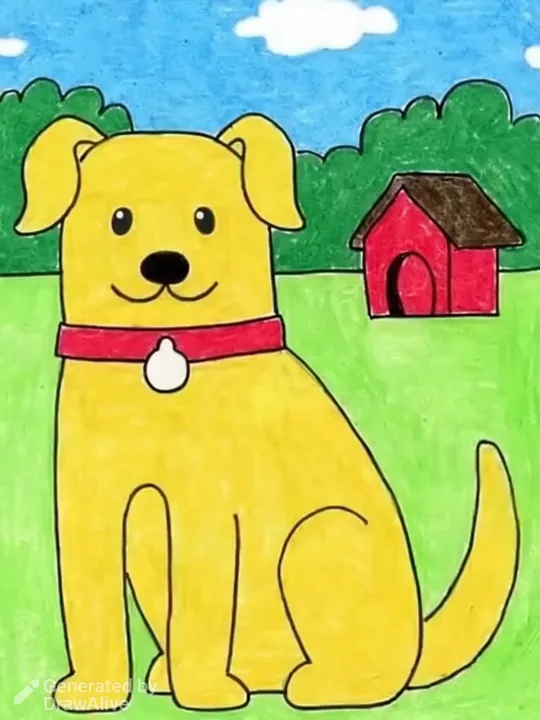 From a marker drawing of a puppy
 From a garden photo of flowersFrom a crayon drawing
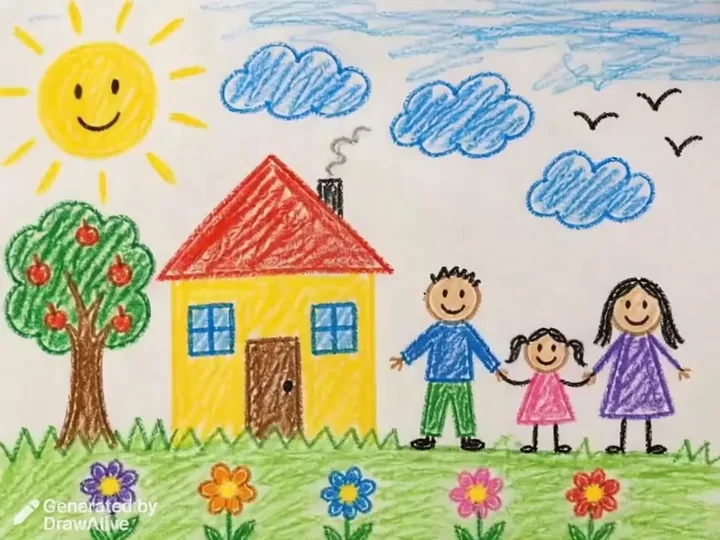 From a crayon family drawing
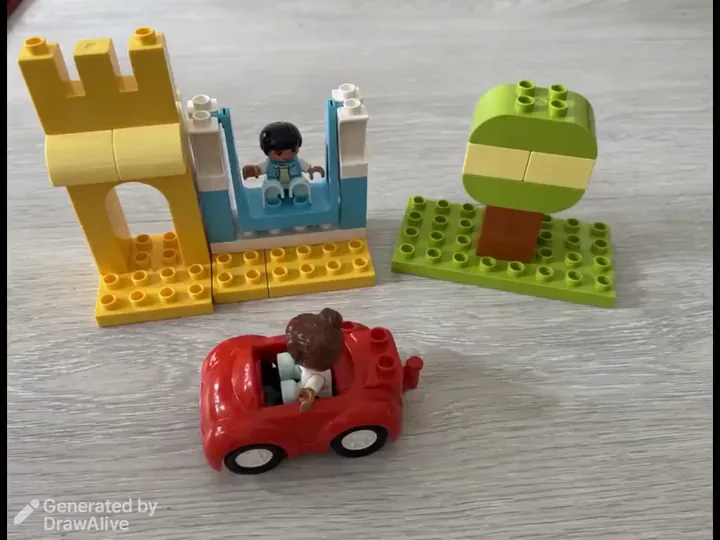 From a photo of toy bricks
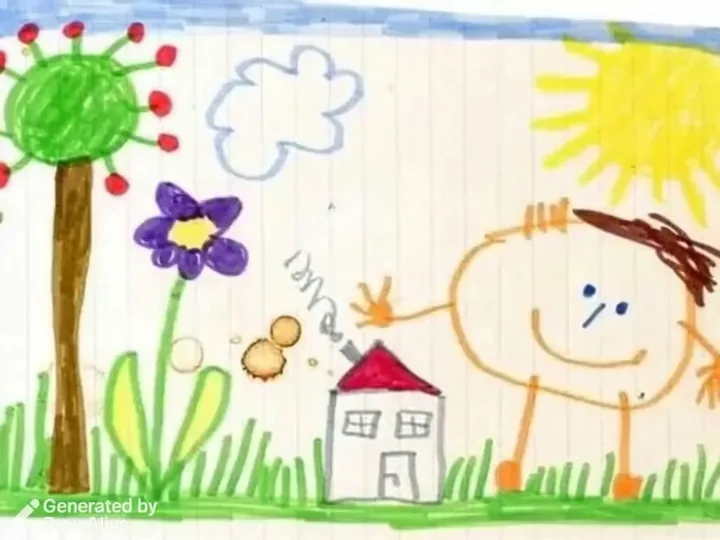 From a marker drawing
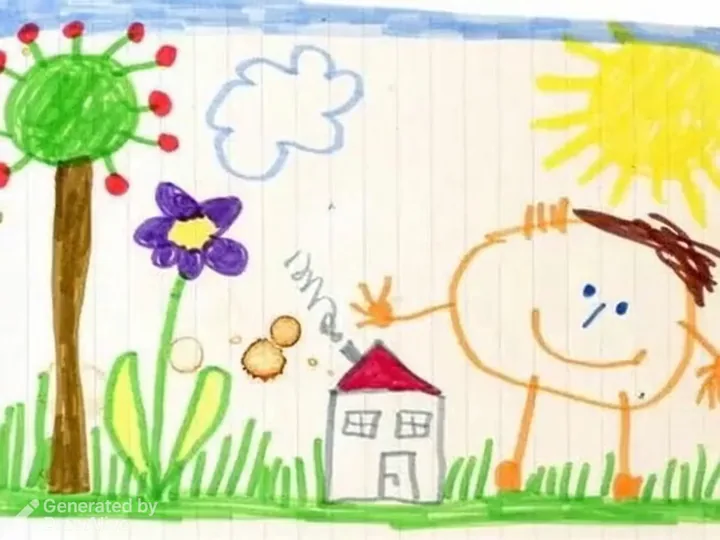 From a marker drawing
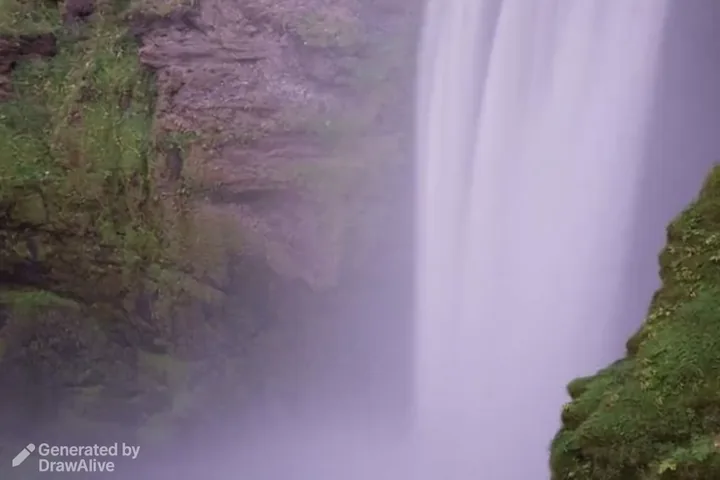 From a holiday photo of a waterfall
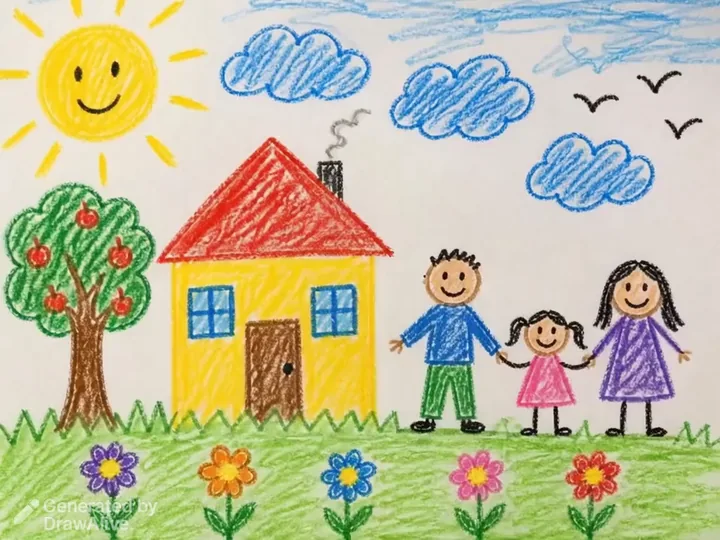 From a crayon family drawing
Speaks your child’s language.
The whole app – and the story narration – works in 22 languages, including right-to-left Arabic, Persian and Urdu. Perfect for multilingual families and early readers.
Tap a language to see the real app in it. Stories in the gallery above are narrated in Spanish, Japanese, Hindi, Arabic, Persian and English.
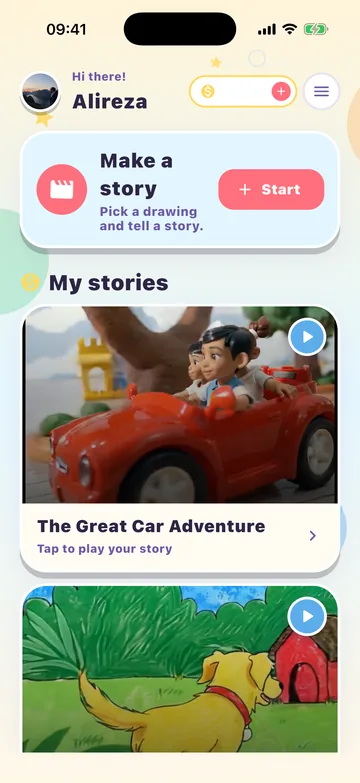
English
Made for kids. Built for parents.
Your child gets a magic story machine. You get the controls.
No ads. Ever.
No banners, no pop-ups, no links that lead kids out of the app.
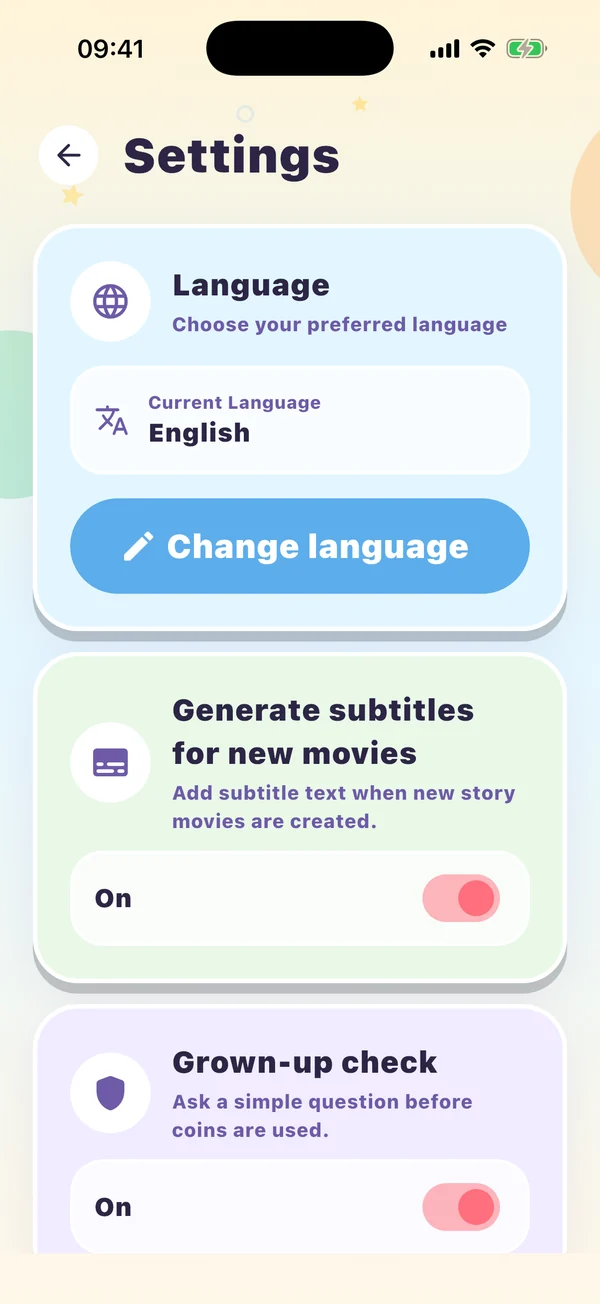
Grown-up check
A quick math question appears before any coins are used – “Just checking a grown-up is here.”
Drawings never train AI
A parent agrees before the first AI story. From the app:
“We do not use your uploads to train AI models.”
Subtitles for early readers
Turn on words-on-screen so kids can read along with the narration.
Parents say
From App Store reviews (rated 5.0).
★★★★★“Such a magical app! Turns any drawing into a cute animation in seconds—fun, creative, and perfect for kids!”
mazrab · App Store
★★★★★“The best app i have ever worked with Very easy to use and lots of templates Thank you developer”
Heydarirmohamad · App Store
Questions parents ask
Is there an app that turns my child’s drawings into animated stories?
Yes – that is exactly what DrawAlive does. On iPhone, iPad or Android, take a photo of the drawing, describe what happens by typing or speaking, and DrawAlive turns it into a short animated movie with narration, usually in a few minutes.
How does it work?
Three steps: (1) take or choose a photo of a drawing, toy or book page, (2) tell the story in your own words – type it or tap the microphone – and choose 5, 10 or 15 seconds, (3) DrawAlive animates the picture, writes and reads the narration, and can add subtitles.
Which languages are supported?
22 languages, in the app and in the narration: English, Spanish, French, German, Portuguese, Italian, Norwegian, Turkish, Russian, Arabic, Persian, Urdu, Hindi, Bengali, Telugu, Tamil, Chinese, Japanese, Korean, Vietnamese, Indonesian and Swahili.
Is it safe for young kids?
DrawAlive is rated 4+ and has no ads. A grown-up check (a simple math question) appears before coins are used, and a parent or guardian must agree before the first AI story is created.
Do you use my child’s drawings to train AI?
No. As the app puts it: “We do not use your uploads to train AI models.” You can read the full privacy policy here or in the app’s Settings.
How long does a story take?
Telling the story takes about a minute. Making the animated, narrated movie usually takes a few minutes – you can close the screen and come back when it is ready.
How much does it cost?
DrawAlive is free to download and every feature is free for 3 days. After the trial, full animations and narration need an active subscription or an in-app purchase. Cancel the trial any time.
Can we animate things other than drawings?
Yes. Families animate worksheets, pages from favorite books and photos of toys or places – one family turned a waterfall photo into an adventure about a tiny hero named Pip.
Can we keep and share the stories?
Yes. Stories live in “My stories”, can be saved for offline viewing, and can be shared with family and friends from the app.
Make your first story tonight.
Free to download. Try every feature free for 3 days.